 (660) 528-1590
 (+91) 971-729-7767
 Sales Transformation
 Business Process Automation
 Application Upgrade
 Rapid Prototyping
 Product Evaluation & Assessment
 Customer Service
 Power Virtual Agent
 Omni-Channel Experience
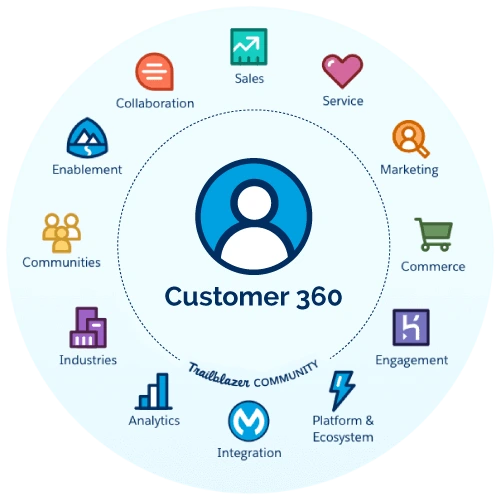 360 View of Customer Journeys
 NextGen Customer Portal
 Campaign & Marketing
 Customer Insights
 Portal Content Management
 Reporting & Analytics
 Marketing Automation
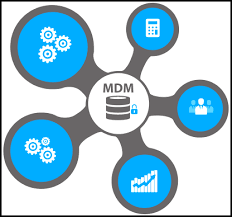 Master Data Management
 Technology Modernization
 Enterprise Architecture
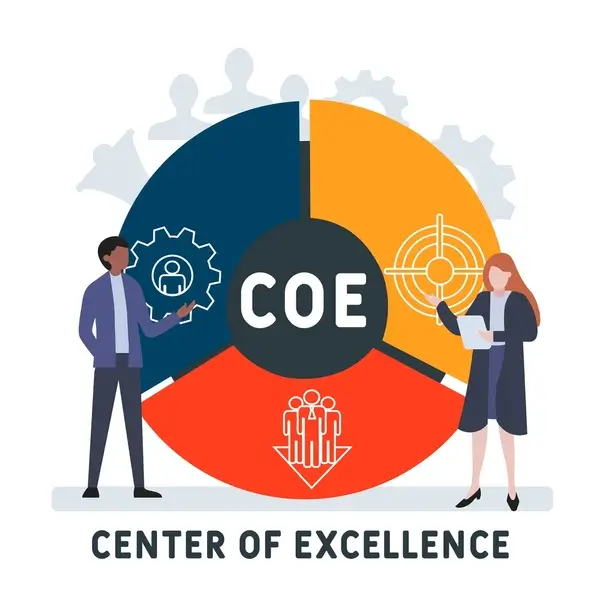 COE as a Service
 NextGen Digital Workplace
 NextGen AI Features
 Custom Software Services
 Backup & Disaster Recovery
 Quality Assurance (QA Testing)
 C#/.Net
 JAVA
JAVA Informatica
 Python
 Golang
 PHP
PHP ABAP
ABAP Appex
Appex Microsoft Dynamics 365
 Salesforce
 Sugar CRM
 HubSpot CRM
 Zoho CRM
 Pipedrive
 Zendesk Sell
 Magento
 Shopify
 WordPress
 WooCommerce
 Drupal
 Joomla
 OpenCart
 Flutter
 React Native
 Android App
 IOS App
 UI/UX Designer
 React.js
 Angular
 Vue.js
 Alpine.js
 Node.js
 Azure
Azure AWS
AWS Bittrex
 DevOps
 Salesforce Cloud Services
 Google Cloud Platform
 Oracle Cloud
 Assets and Accelerators
 Solutions
 Sales Cloud
 Service Cloud
 Marketing Cloud
 Commerce Cloud
 Experience Cloud
 Analytics Cloud
 Financial Services Cloud
 Health Cloud
 Education Cloud
 SAP Cloud Platform
 SAP S/4HANA Cloud
 SAP SuccessFactors
 SAP Ariba
 SAP Integrated Business Planning
 SAP Business Technology Platform
 SAP Customer Data Cloud
 SAP Digital Supply Chain
 SAP Fiori
 Data & Machine Learning
 Language Services
 Speech Services
 Image Processing
 Predictions & Forecasting
 Recommendation Engines
 BOTs & Virtual Agents
 Customer Profiling
 Anomaly & Fraud Detection
 Sentiment Analysis
 Infrastructure As A Service (IaaS)
 Platform As A Service (PaaS)
 Software as a Service (SaaS)
 Cloud Architecture & Consulting
 Managed Services
 Enterprise Mobile Solutions
 .Net Solutions
 Portals & Collaboration
 On-Demand Staffing
Intro – Salesforce CPQ
Intro – Salesforce CPQ Today I am going to give you introduction of Salesforce CPQ. In this I will be primarily focussed...


Power Pages is a feature within Dynamics 365 Power Apps that enables organizations to create, design, and publish responsive and dynamic web pages with ease. Leveraging Microsoft Power Platform, Power Pages helps businesses build interactive web experiences that integrate seamlessly with Dynamics 365 and other data sources, empowering users to engage with customers, partners, and employees in a more effective way.


There is no dearth of IT development companies but what makes me admire BluethinkInc is its excellent maintenance and support. They come to support us whenever we need them.

As the head of a pharmaceutical company, I was looking for an IT firm that could develop a website from scratch. As we had to add numerous functionalities, the project was very challenging. BluethinkInc made it simple and gave us a flawless website.
Being an established business for over two decades we were eagerly looking for digital transformation. We were searching for an IT company with excellent credentials. It is when someone suggested contact BluethinkInc. Now, our association is five years long.
Since we have a Java-based website, we were looking for a good Java development company that can transform our website. These guys have done a fabulous job.

Being in business for a long time, I have seen the changing face of technology. So, when I needed to develop a mobile application for my business, I was looking for a Mobile app development company with an excellent track record. It is when a friend of mine suggested this company. Our association has been continuing since.

While searching for a Magento developer for my eCommerce website I found Bluethink Inc. I talked to them and found them genuine. Looking back, I don’t regret my decision as they have done their work so perfectly. I strongly recommend them.

B-12, B Block, Sector 2, Noida, Uttar Pradesh 201301
Power Pages is a powerful tool for organizations looking to create dynamic, responsive, and interactive web pages that enhance user engagement and streamline operations. By leveraging the capabilities of Microsoft Power Platform and Dynamics 365, businesses can build robust web experiences that integrate seamlessly with their data and processes. Investing in Power Pages not only improves operational efficiency and user satisfaction but also supports long-term business growth and success.
At Bluethink Inc, we had the privilege of working with companies of all sizes around the world. We work tirelessly to help them achieve their goals, delivering customized solutions that drive growth and transformation. Here are a few of them:











Discover innovative custom software insights from experts.
Intro – Salesforce CPQ Today I am going to give you introduction of Salesforce CPQ. In this I will be primarily focussed...

TIn Salesforce, an object is like a table in a database. It stores data in a structured way. Each object contains: Fields...

In Salesforce development, managing how and when your code runs is crucial for performance and user experience. Two primary...